
Emu VR
Once Emu VR has been installed a Instance can be created for it in MO2. However due to its portable nature the game location is not detected automatically and instead needs to be selected manually in MO2 by either scrolling to the bottom in instance creation and then selecting the game folder.
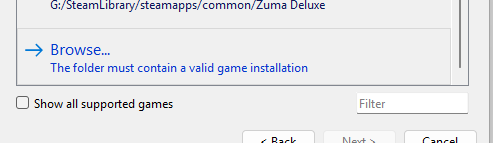
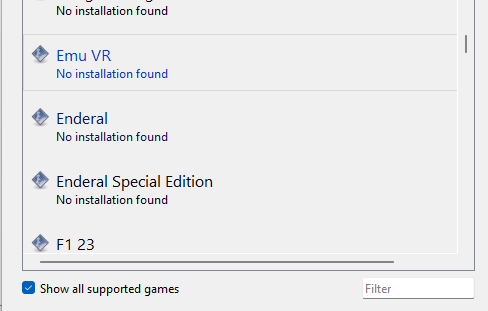
Or by toggling show all supported games, selecting Emu VR and then selecting the game folder.
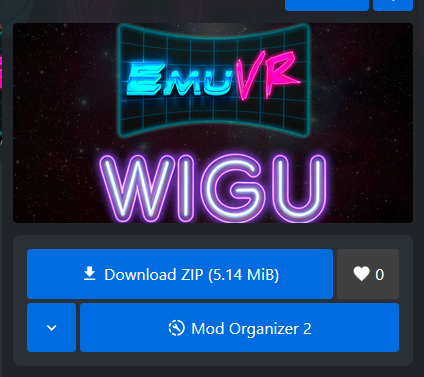
After this the WIGU framwork should be installed from here
It can be installed manually or via MO2
Once this is done any Emu VR file can be installed via MO2
No comments to display
No comments to display