Payday 1, Payday 2 and Raid WWII
For Payday 1, 2 and Raid some extra steps are required for setting up a fully moddable game.
1 . Make an Instance for the Game
 2. Install SuperBLT
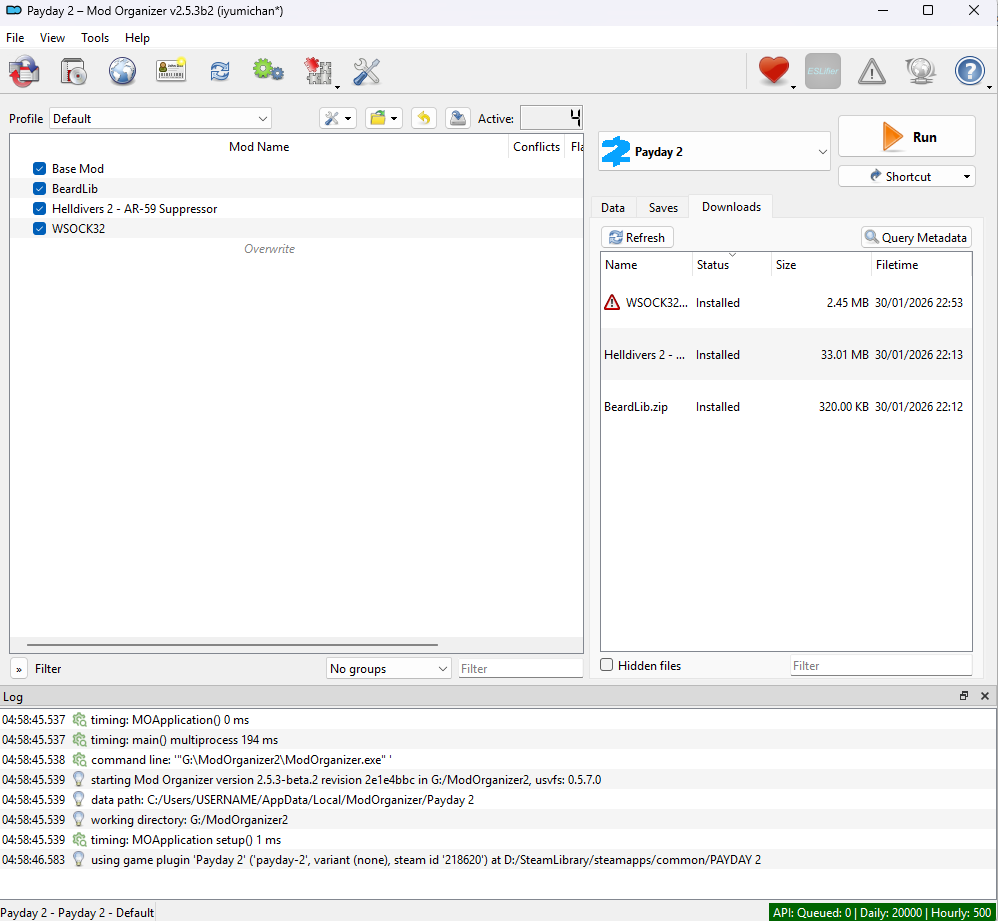
 eitherfor Payday 2, Raid SuperBLT for Raid or optionally PDTHBlt for Payday the Heist. Either by dropping the WSOCK32.dll into the downloads tab and installing it or by placing the file into the game folder.
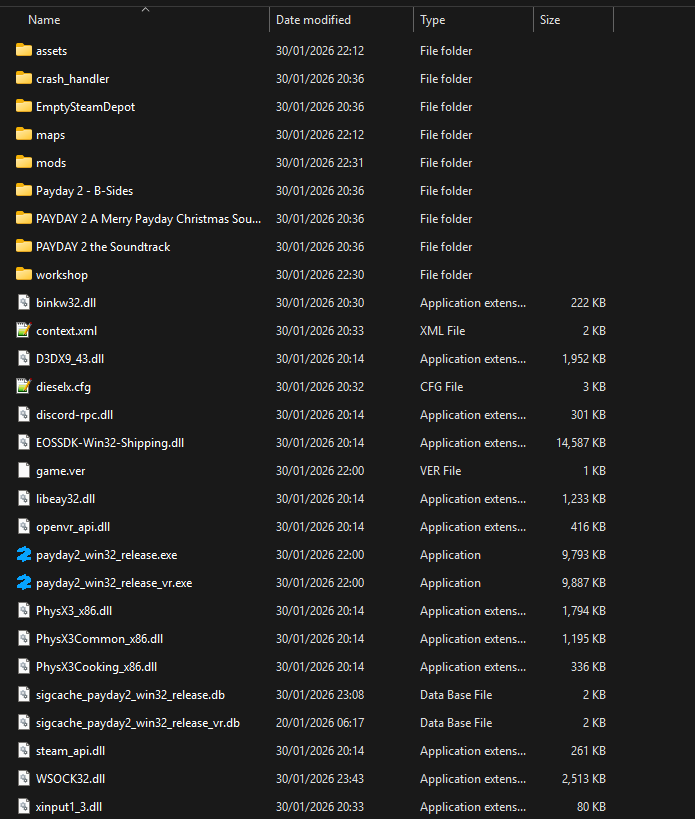
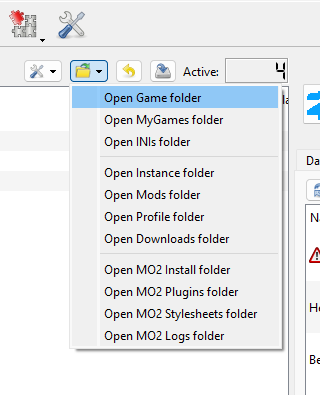
- To access the game folder quickly you can simply click here.
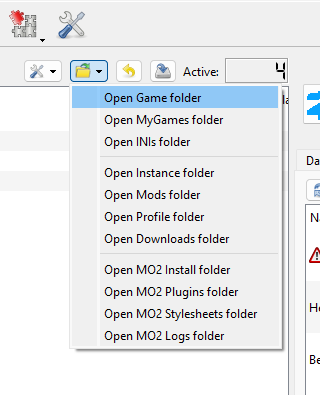
-
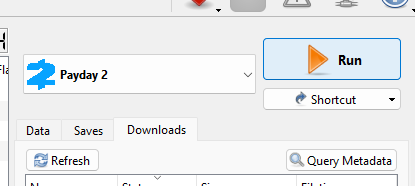
Once done launch the game using MO2
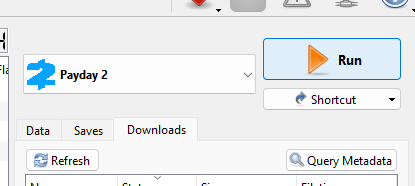
-
After being prompted to download BLT files and agreeing, wait for the process to finish and quit the game.
-
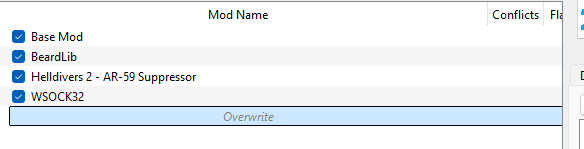
The files that were created are now located in MO2s overwrite folder.
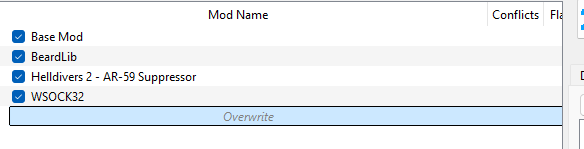
-
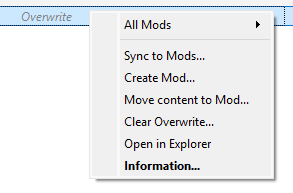
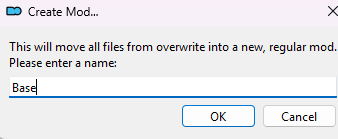
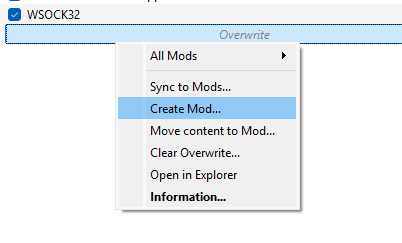
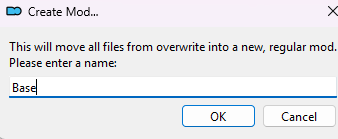
Right click Overwrite and chose "create mod"
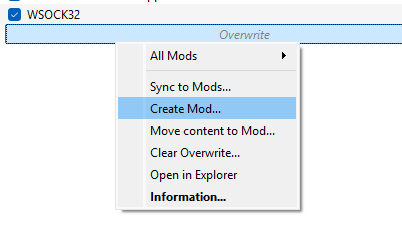
-
While any name can be chosen it is recommended to call it "Base" or "SuperBLT"
-
Now any mod can be installed via the mod manager buttons at modworkshop.
- If a mod updates its files will automatically land inside the correct mod entry.
- The only exception is that when new files are added they will land in the overwrite folder.
- You can move these to an already existing mod automatically, move the files one by one or leave them in the overwrite folder.